,%2032GB%20RAM%201TB%20SSD,%20Win%2011%20Pro%20WiFi6%20Long%20Battery%20Life%20Bluetooth,%20Laptops%20for%20Gaming%20Business%20w/GM%20Accessory&url=https://tekzone-uk.co.uk/product/dell-15-6-2k-touchscreen-laptop-computer-intel-10-core-i5-1334ubeat-ryzen-7-7730u-32gb-ram-1tb-ssd-win-11-pro-wifi6-long-battery-life-bluetooth-laptops-for-gaming-business-w-gm-accessory/&media=https://tekzone-uk.co.uk/wp-content/uploads/2026/01/product-100.jpg)
Product details
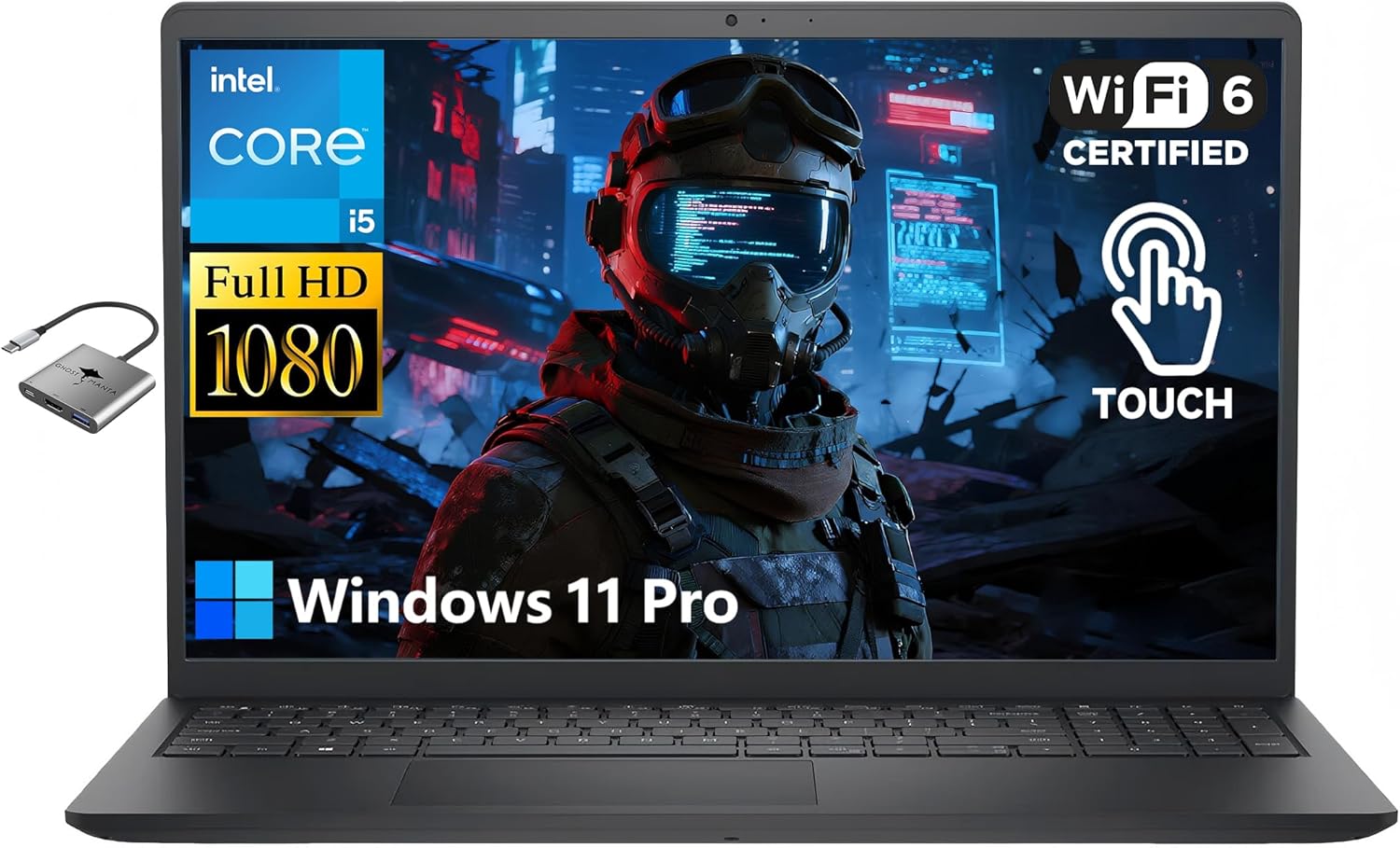
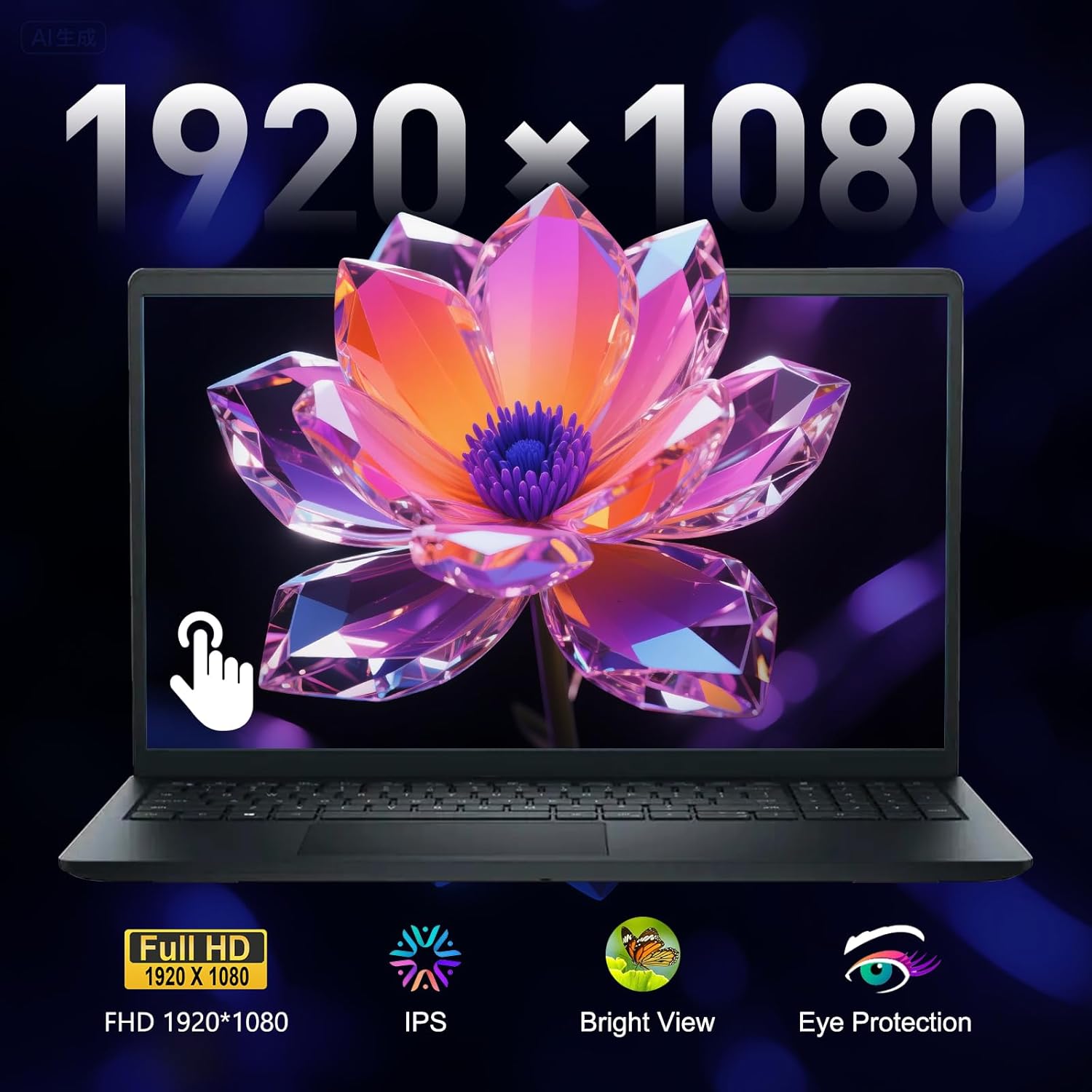
We sells laptop-computer with upgraded configurations. If the computer has modifications (listed above), then the manufacturer box is opened for it to be tested and inspected and to install the upgrades to achieve the specifications as advertised. If no modifications are listed, the item is unopened and untested. Defects & blemishes are significantly reduced by our in depth inspection & testing. Microprocessor: Intel Core i5-1334U (10 Cores,up to 4.6 GHz) Graphics Type: Intel UHD Graphics Memory: Upgraded to 32GB high-bandwidth DDR4 Memory Hard Drive: Upgraded to 1TB storage Display: 15.6″ Full HD (1920 x 1080) Touchscreen Wireless Connectivity: Wi-Fi 6 and Bluetooth combo External Ports: 1 x USB Type-C 3.2 1 x USB Type-A 3.2 1 x USB Type-A 2.0 1 x HDMI 1.4 ports Minimum Dimensions (W x D x H): 14.11 x 9.25 x 0.69 inches Weight: 4.28 LB Operating System: Windows 11 Pro Switching out of S mode in Windows 11 Windows 11 in S mode is designed for security and performance, exclusively running apps from the Microsoft Store. If you want to install an app that isn’t available in the Microsoft Store, you’ll need to switch out of S mode 1. On your PC running Windows 11 in S mode, open Settings > System > Activation. 2. In the Switch to Windows 11 Pro section, select Go to the Store. (If you also see an “Upgrade your edition of Windows” section, be careful not to click the “Go to the Store” link that appears there.) 3. On the Switch out of S mode (or similar) page that appears in the Microsoft Store, select the Get button. After you see a confirmation message on the page, you’ll be able to install apps from outside of the Microsoft Store.